NEW in timeghost Time Tracking - Leave Types
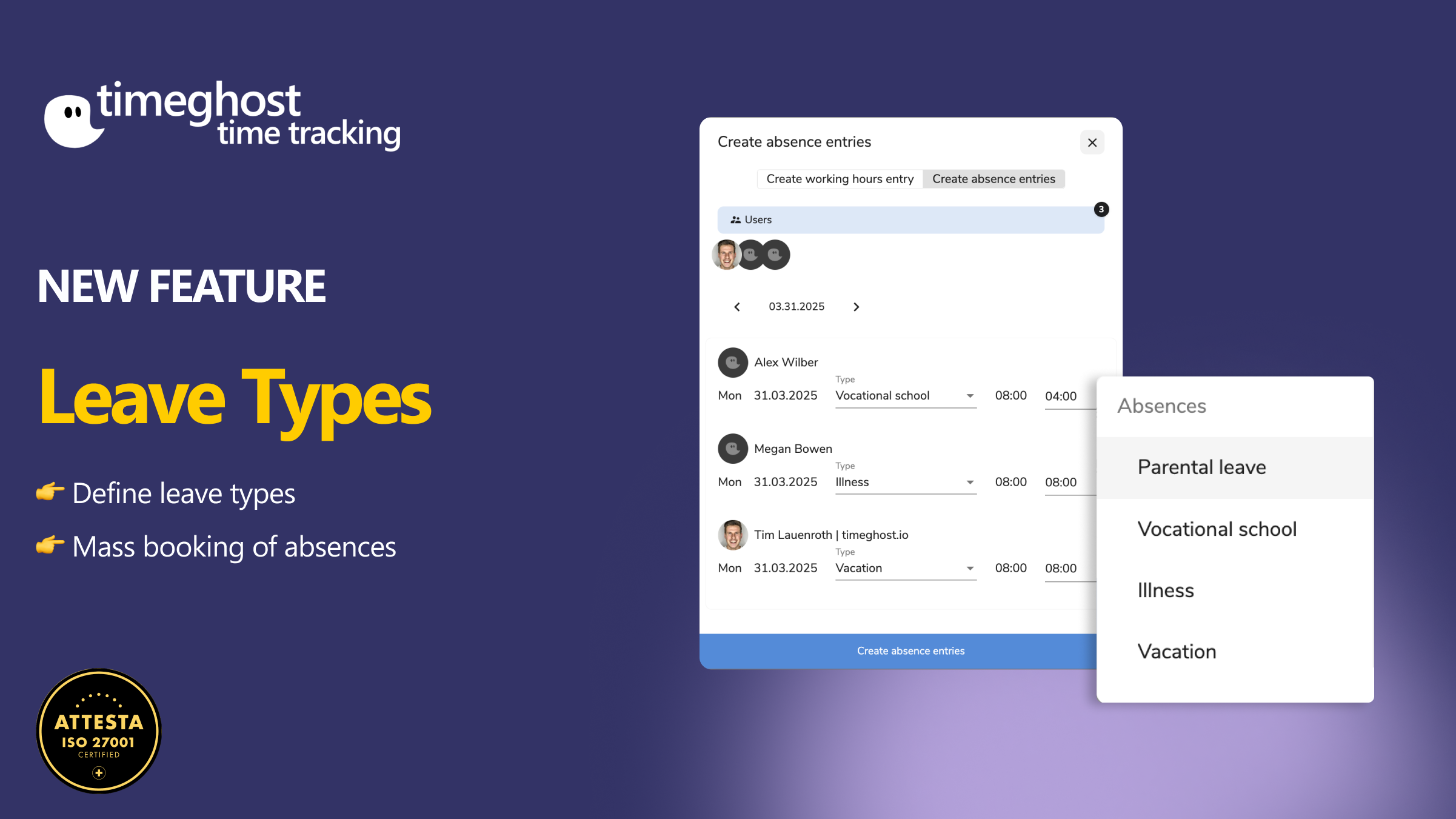
As of now, you can not only track absences in timeghost Time Tracking – you can also assign them to a specific type.
Whether it’s vacation, sick leave, parental leave, public holiday, or vocational school – every absence is now clearly traceable.
What’s new?
With the new Absence Types feature, you can now specify exactly why someone is absent when entering the time.
🛠️ Here’s how it works:
Create an absence
👉 Create a time entry in the timer and simply select the person and the appropriate type in the “Create Absence” dialog.
Also works for multiple people at once
👉 Select multiple users and assign them a shared absence type.
Manage absence types yourself
👉 You can easily manage new types under “Absence Types” in the settings.
Your benefits at a glance
✔ Fewer questions within the team
✔ Clearly identifiable reasons for absences
✔ Contextualized reporting
✔ Consistent documentation
✔ Saves time in planning
Try it out now – the feature is already live!